
Strong encryption
Encrypt all traffic between your device and the VPN server, even on public networks.

Connect anywhere, safely.
From public Wi‑Fi at airports, cafés and hotels to business trips and remote work, StageVPN encrypts your connection to protect personal and business data for travelers and teams.
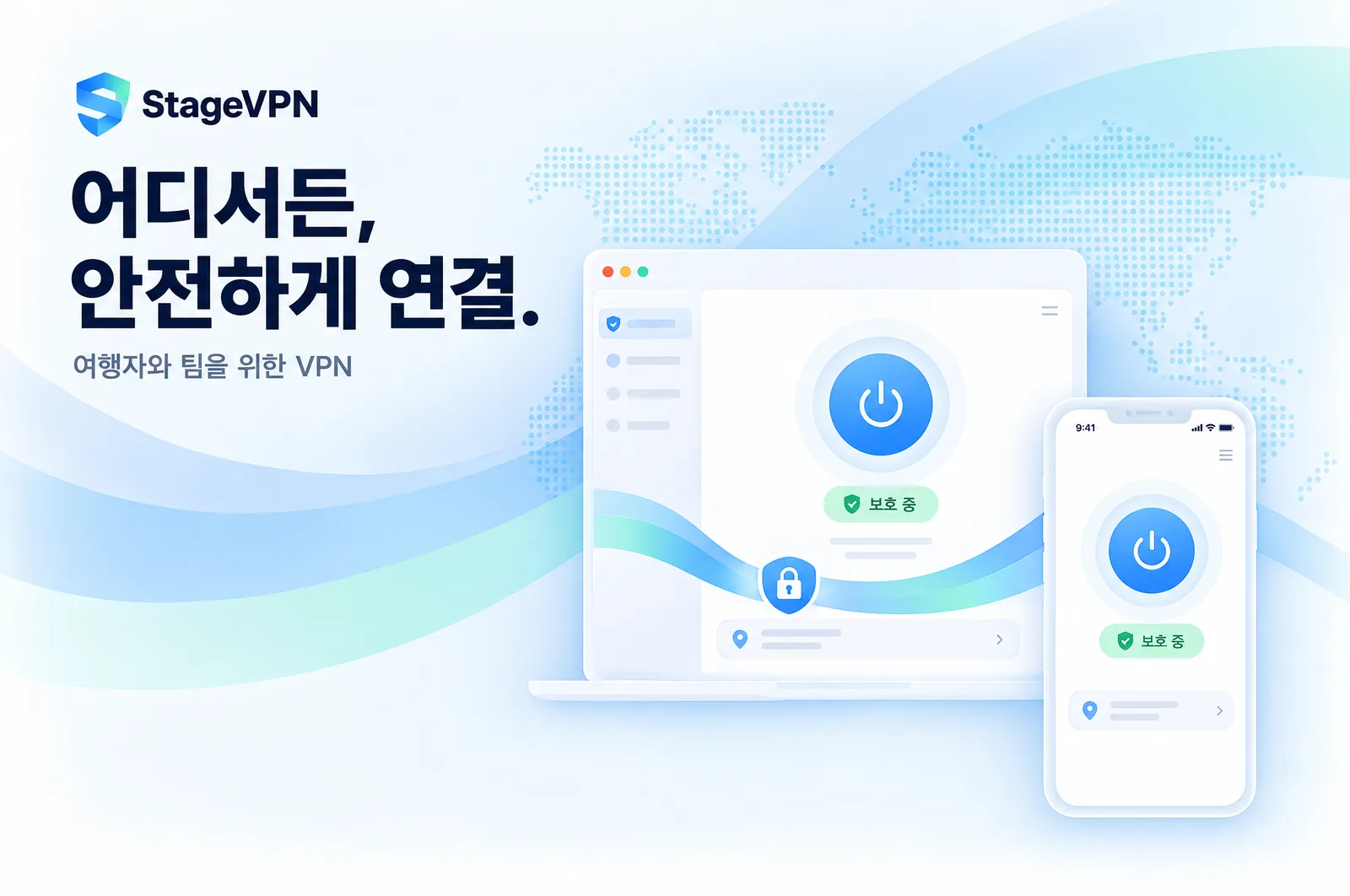
A VPN (Virtual Private Network) creates an encrypted path between your device and the internet, so people on the same network or along the route cannot read your traffic. Built on TripTok’s travel connectivity experience, StageVPN lets you start a protected connection with a single tap, even on unfamiliar networks.
Encrypt all traffic between your device and the VPN server, even on public networks.
Websites see the VPN server’s address instead of yours, reducing location and connection exposure.
A modern lightweight protocol and automatic nearby-server selection keep everyday use smooth.
Protect laptops, phones and tablets together with one account.
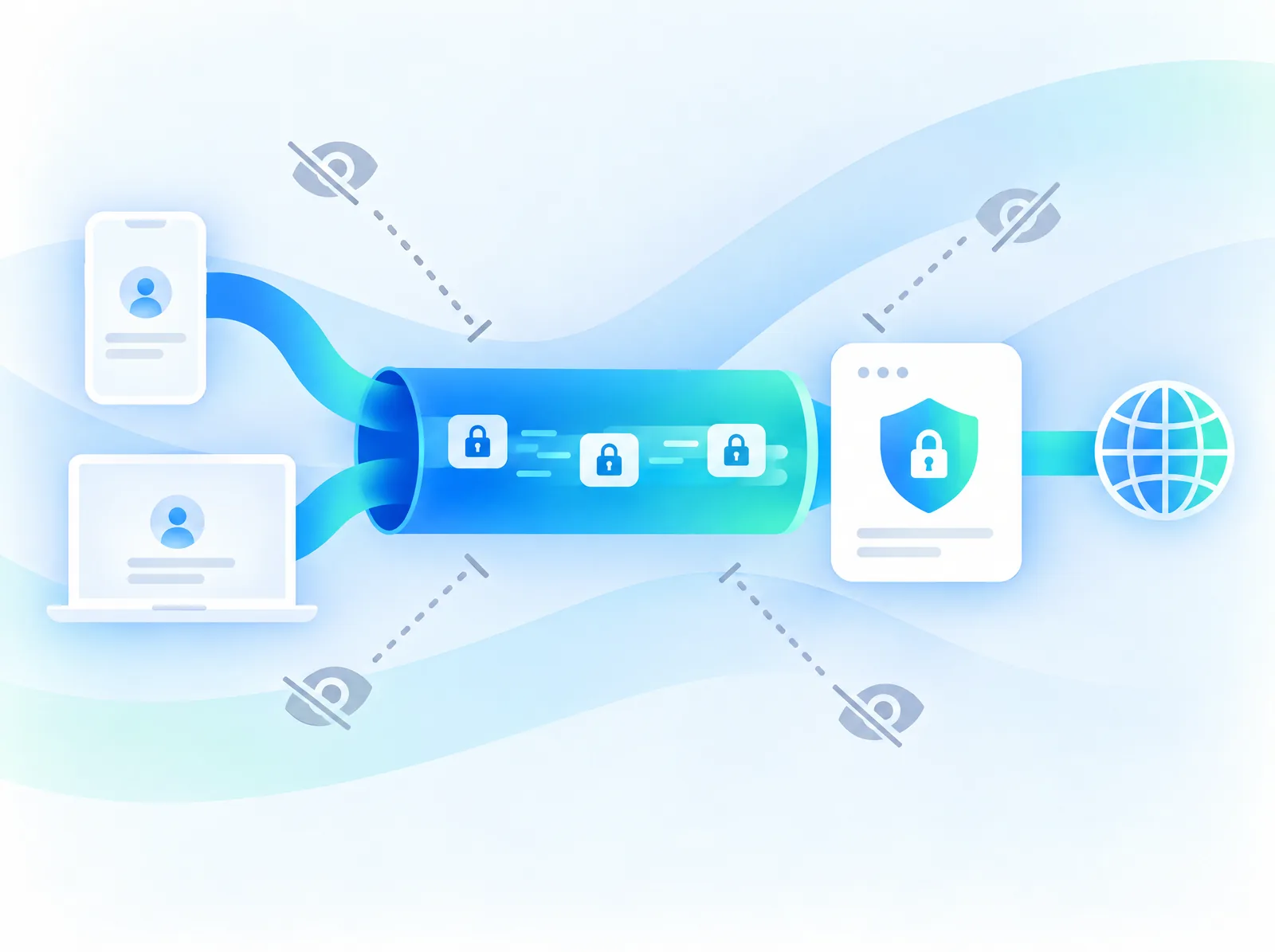
Turn on StageVPN and an encrypted tunnel forms between your device and our server. People on the same Wi‑Fi, network operators and anyone along the route cannot read what you send and receive.
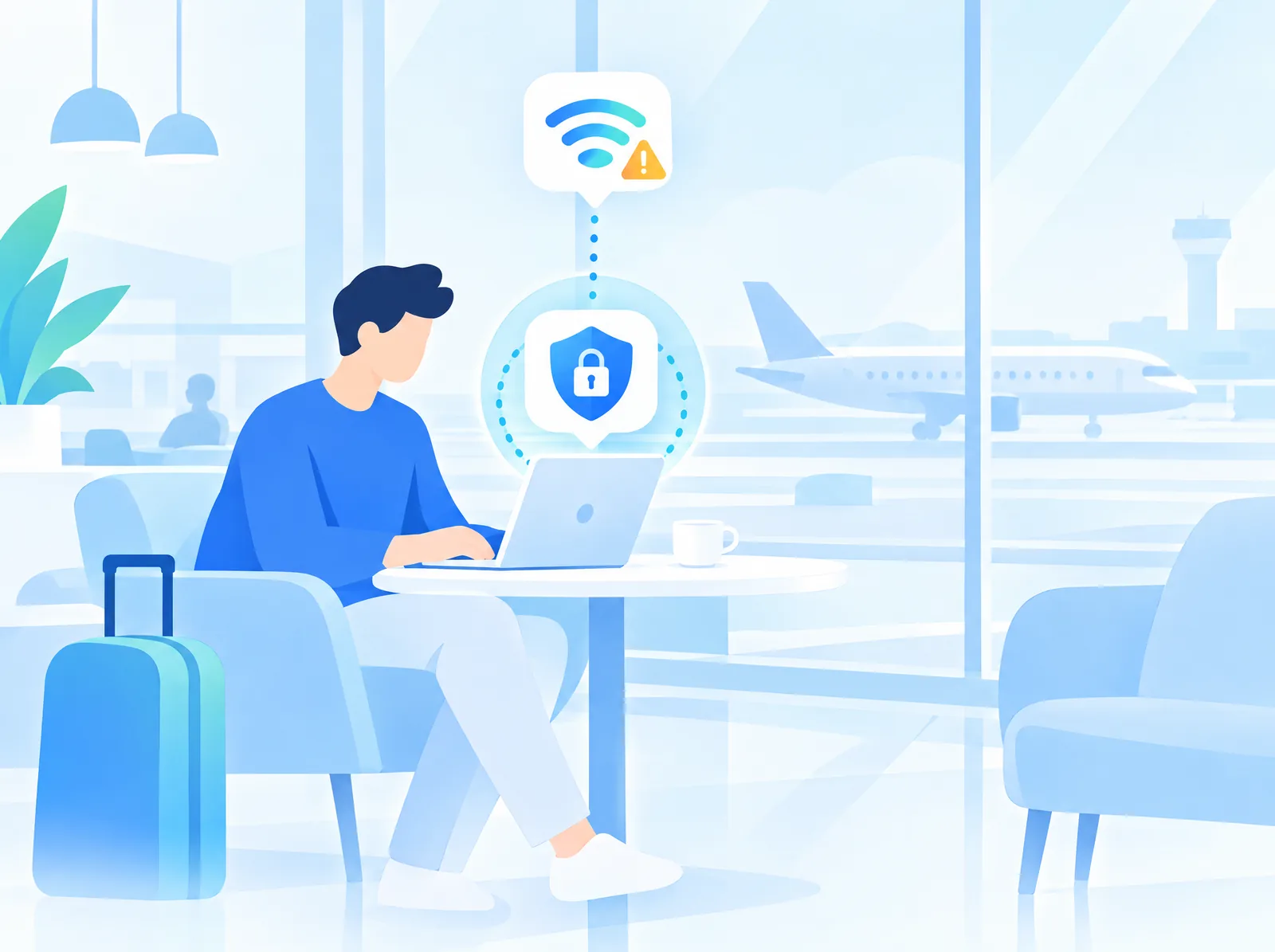
Public Wi‑Fi is convenient, but you rarely know who runs it. StageVPN starts protecting you automatically on untrusted networks, reducing the risk of exposing logins and payment details.
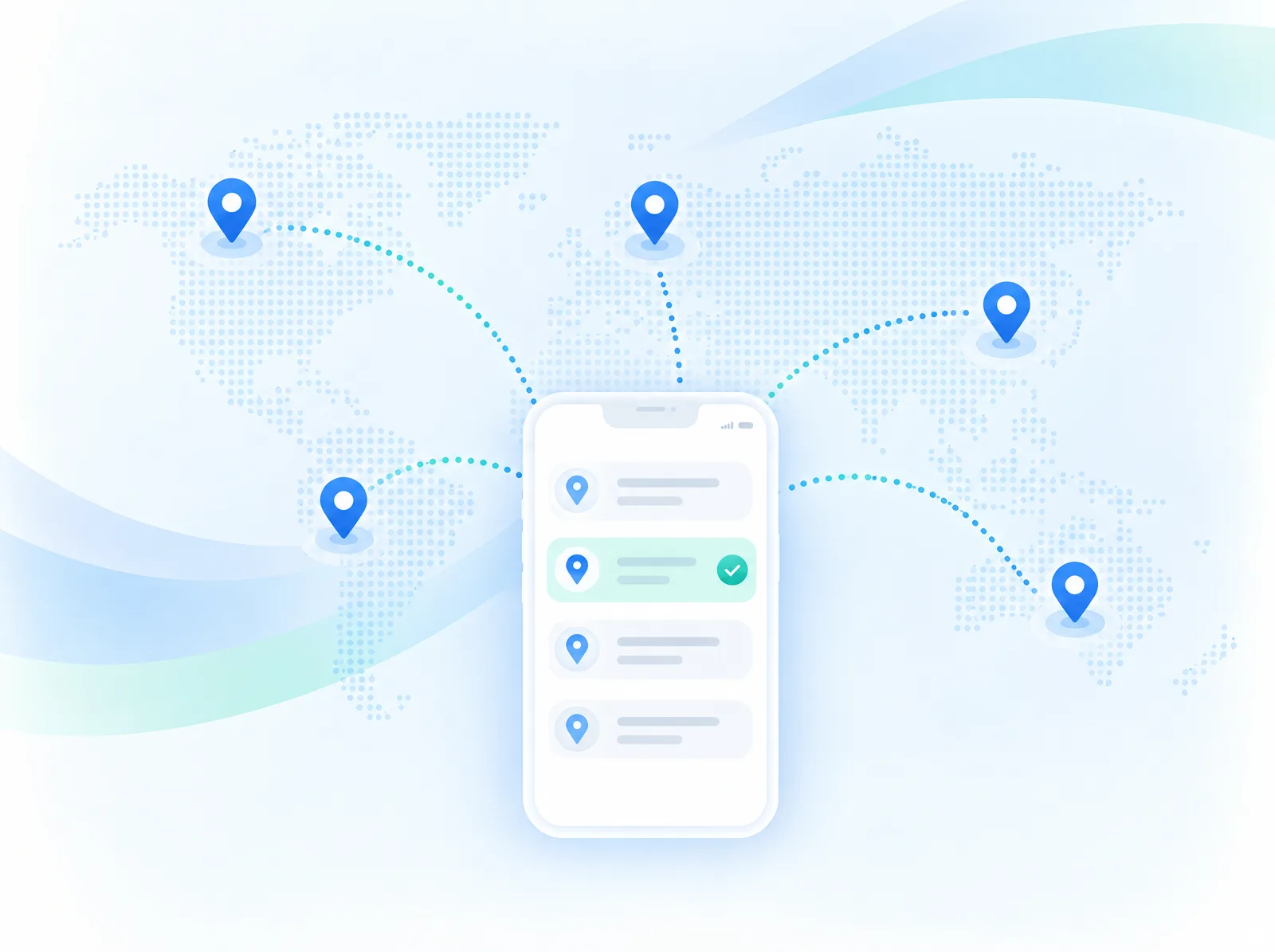
Pick a server location from multiple countries, or let StageVPN choose the fastest nearby server. Use your familiar services and banking apps while abroad.
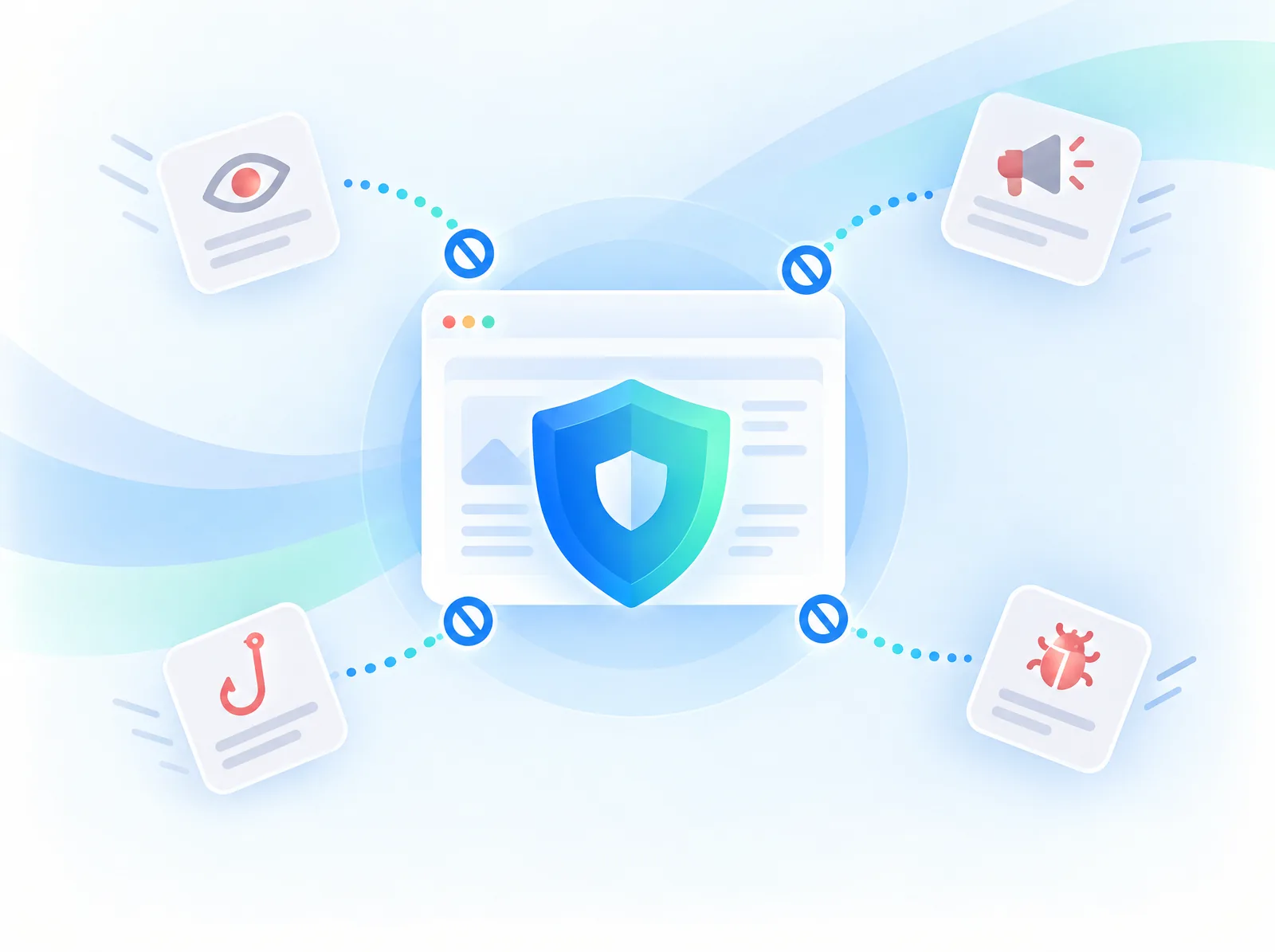
Stop malicious sites, phishing pages, intrusive ads and online trackers before they load. Browsing gets cleaner, and an accidental click on a risky link gets an extra layer of protection.
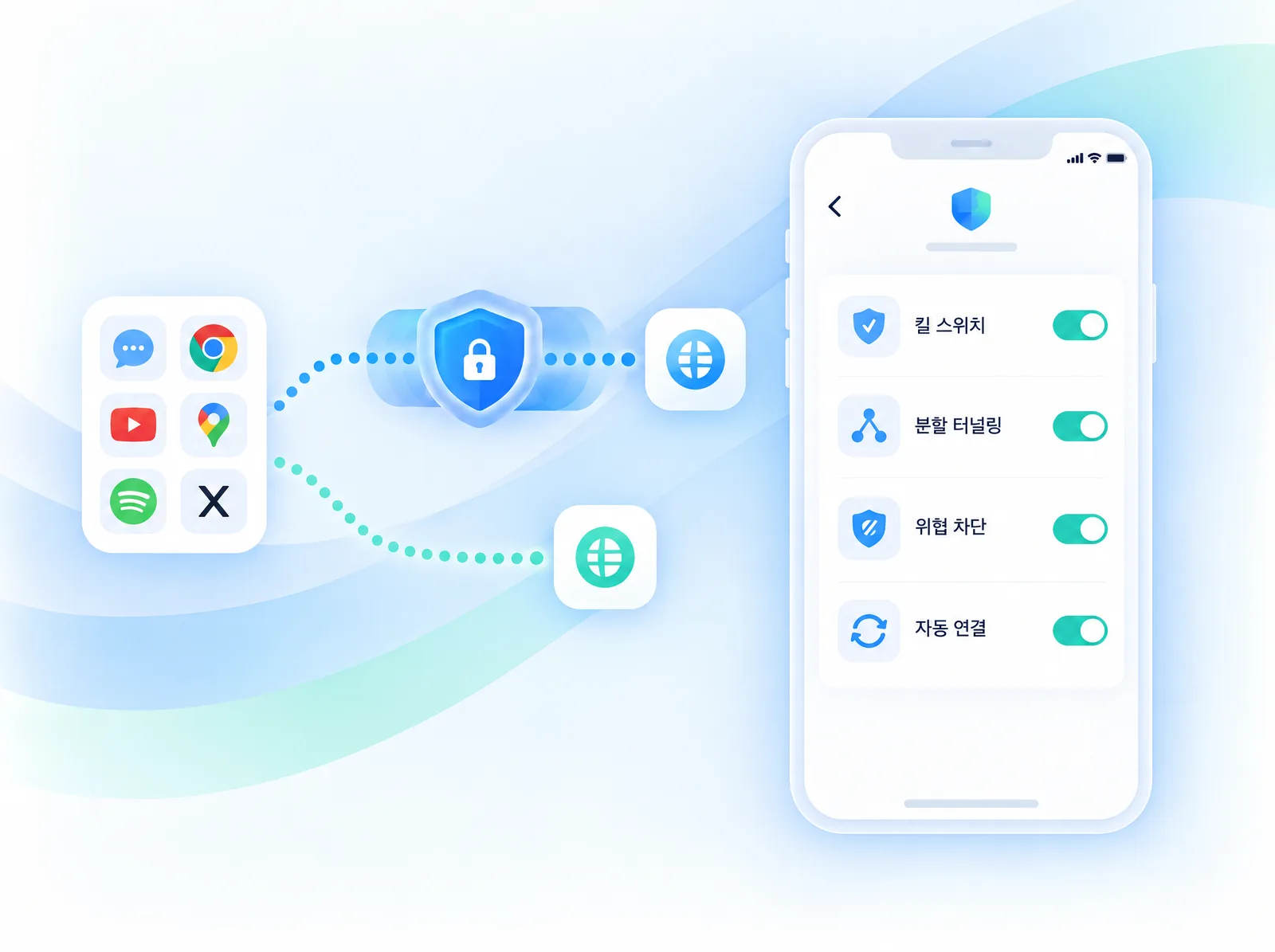
Kill switch pauses internet access if the VPN disconnects unexpectedly, so unprotected traffic never leaves your device. Split tunneling decides which apps use the VPN, and auto-connect keeps protection on.
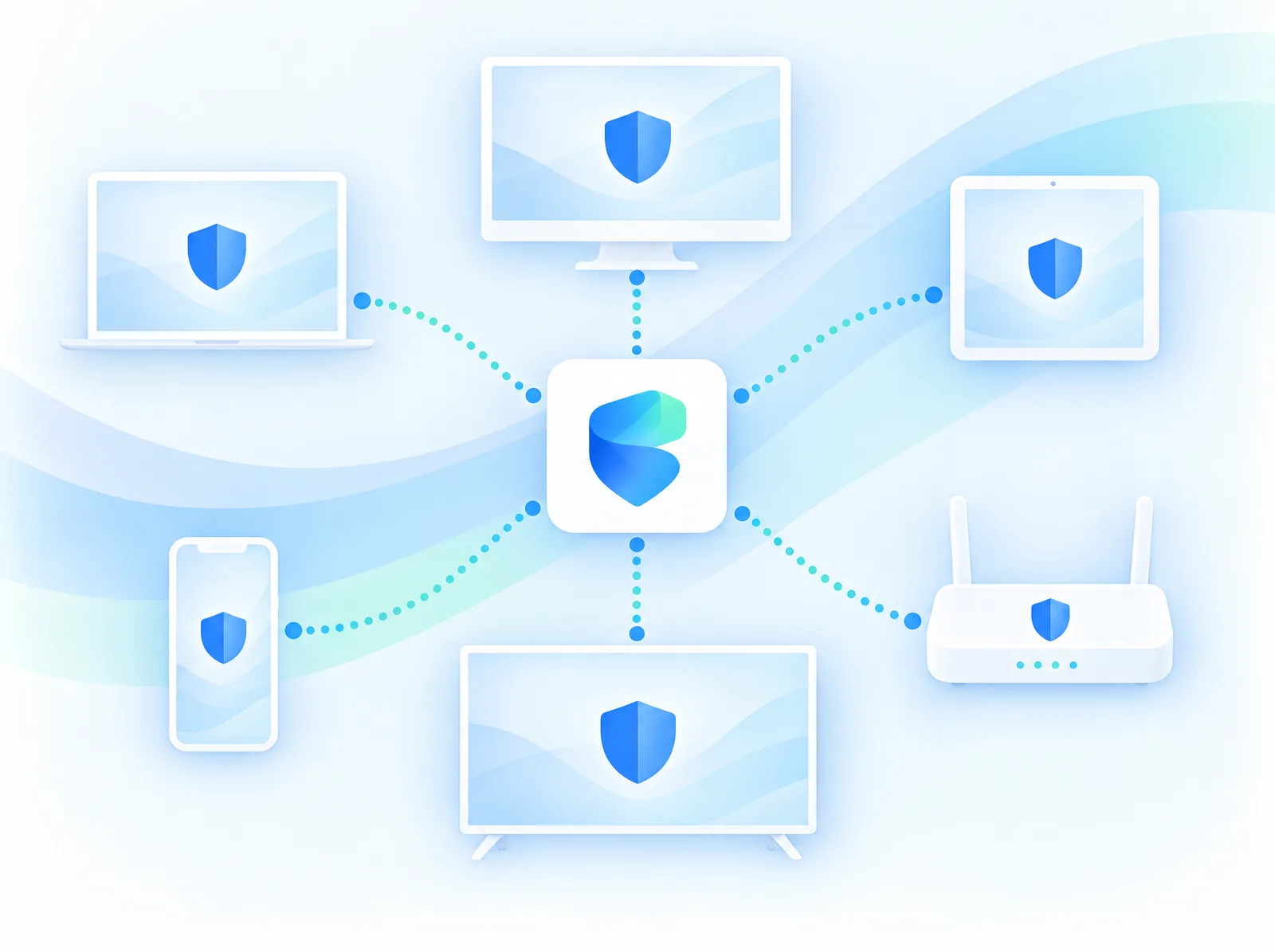
StageVPN aims to offer apps for major operating systems, from Windows and macOS to iOS, Android and Linux, plus browser extensions. For TVs and consoles, router setup guides help protect your whole home network.
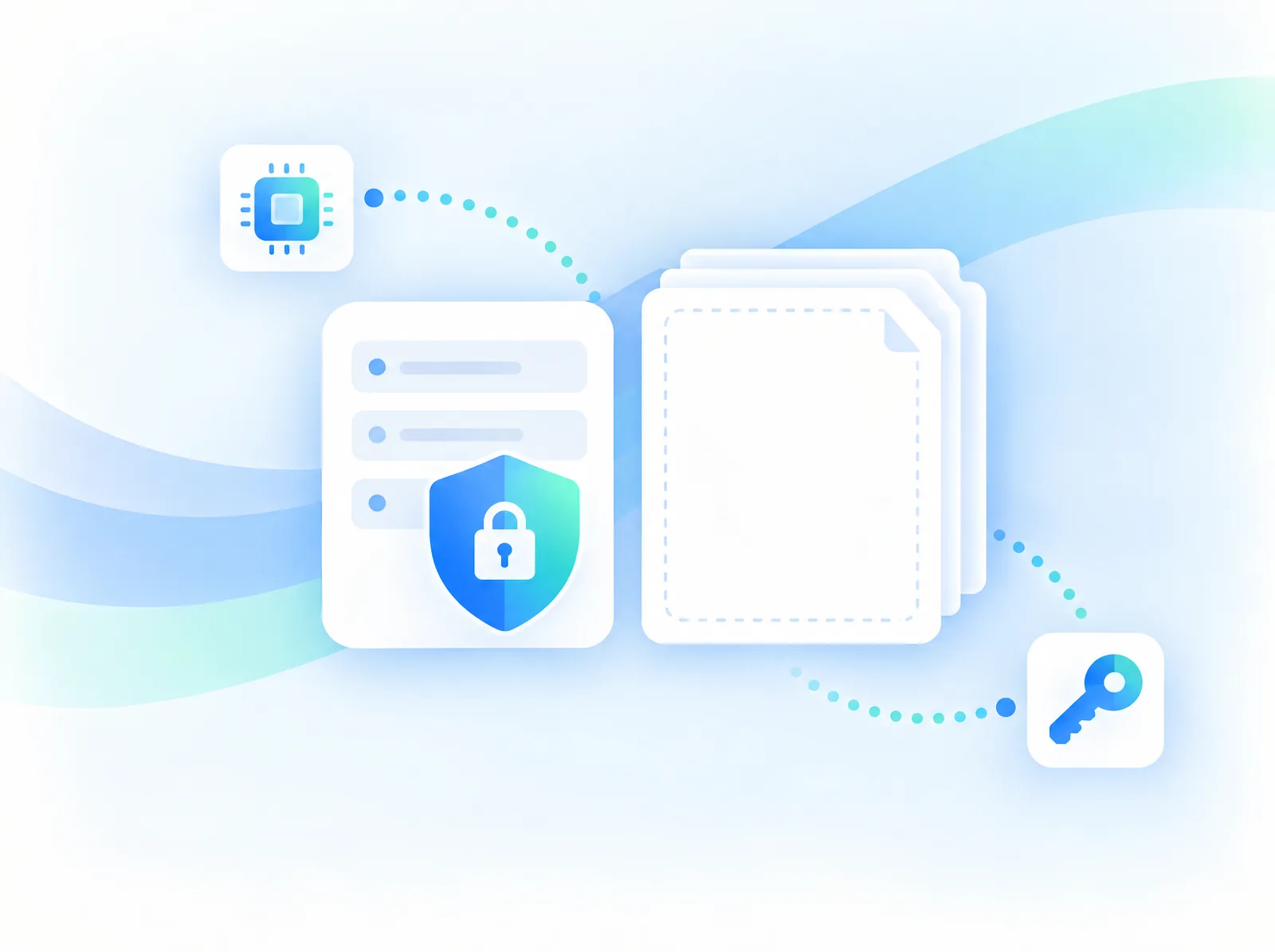
StageVPN is designed on the principle of not logging your online activity, such as sites visited or content exchanged. We handle only the minimum data required to run the service and explain it transparently in our privacy policy.
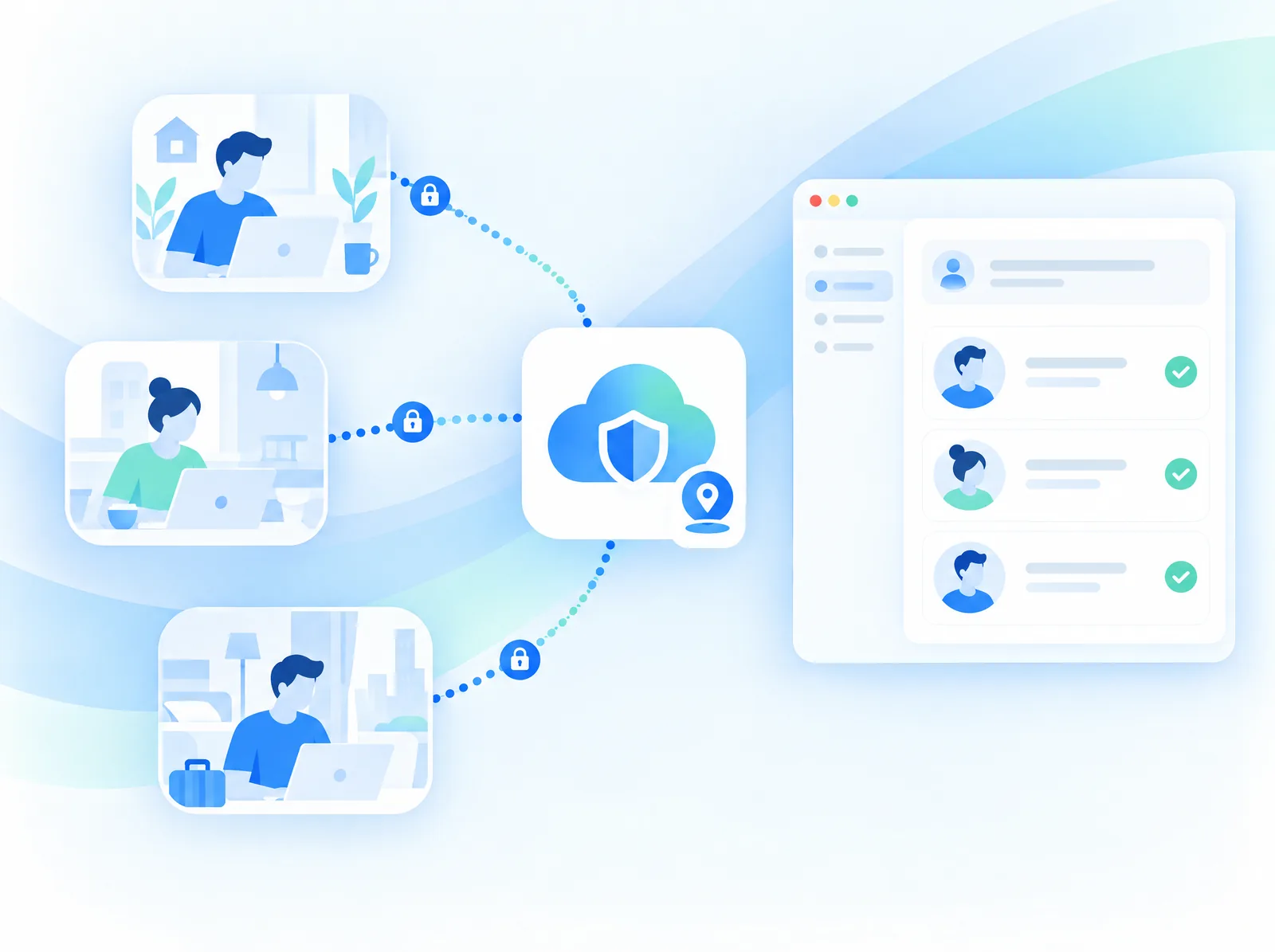
For teams that travel or work remotely, manage member accounts in one place and use a dedicated IP to reach internal systems or partner services. Security policies and scope are agreed for each team.
Encrypt all data between device and server
Browse with the VPN server’s address
DNS requests stay inside the tunnel
Designed not to log online activity
Fast connections and low battery use
Connect to the fastest nearby server
Designed without data-usage caps
Protection on launch or untrusted Wi‑Fi
Block known malware and phishing domains
Fewer intrusive ads and trackers
Cut internet if the VPN drops
Choose which apps use the VPN
Pick a country and city
More reliable on restrictive networks
A fixed IP only you use for work systems
Prepare travel data and security together
Airports, cafés and hotels with unknown operators
Familiar services and banking apps overseas
Secure access to internal systems
Extra protection for payments and logins
Stable connections for content and play
Less ad tracking and data collection
Install the StageVPN app or browser extension for your device.
One account works across multiple devices.
Choose the fastest server or a country, then connect.
Traffic is encrypted and threat protection runs while connected.
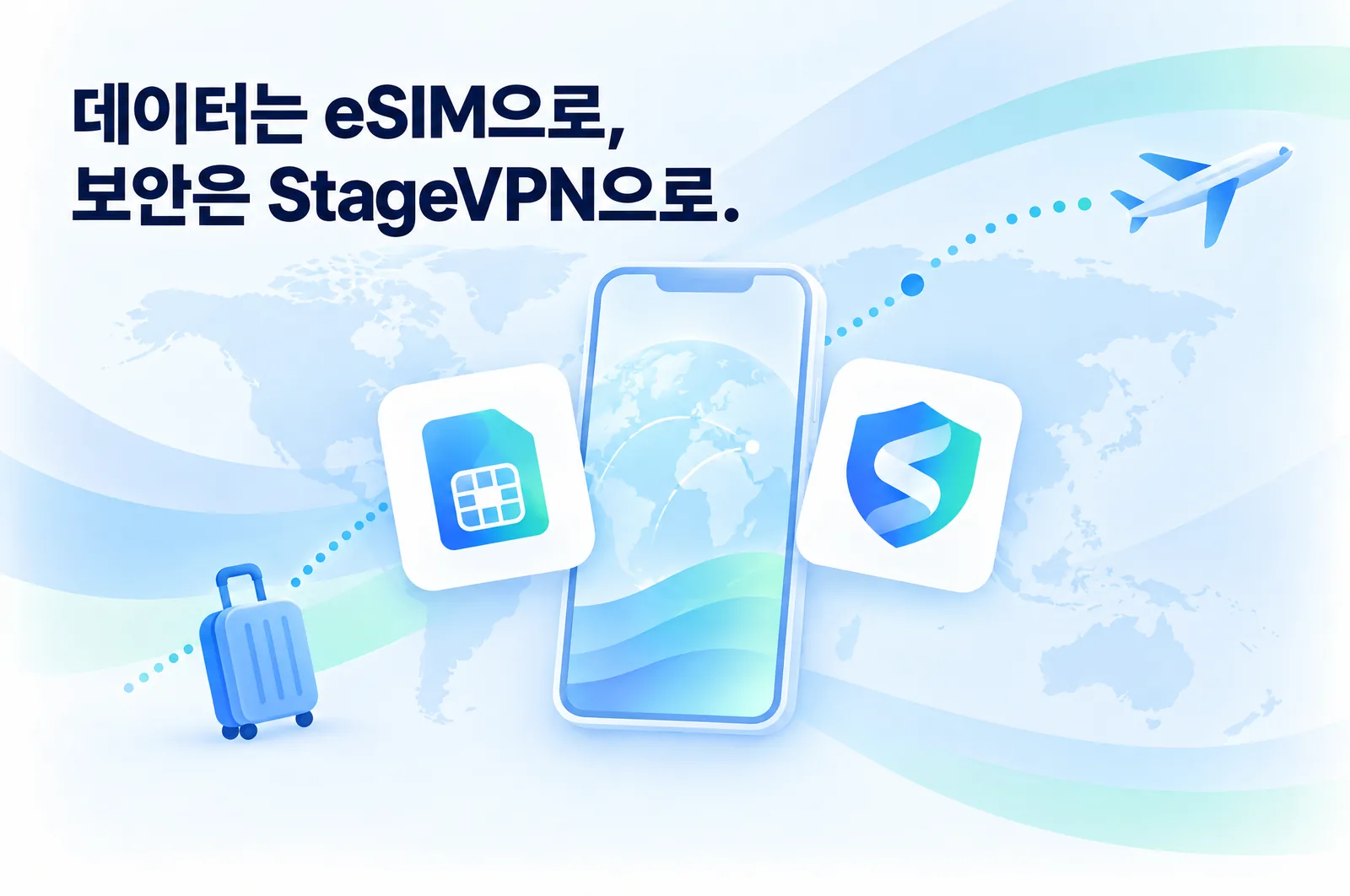
Connect data the moment you land with TripTok eSIM, and protect that connection with StageVPN. From preparing your trip to using services abroad and getting support, StageUp services connect into one travel experience.
Explore TripTok eSIM ↗Only the information needed to provide the service.
Data handling and service scope explained in published policies.
Provided within local laws and our terms of service.
StageAI and our team help from setup to troubleshooting.
A VPN sends your internet traffic through an encrypted tunnel to a VPN server. Websites see the server’s IP address instead of yours, and others on the network or along the route cannot easily read your traffic.
Home networks are less risky than public Wi‑Fi, but a VPN still helps reduce ad tracking, limit IP exposure and reach servers in other countries. Configure auto-connect and split tunneling to match how you use it.
VPNs are legal in most countries, but some restrict or regulate them. Check local laws where you travel. Using a VPN never makes illegal activity permitted.
Encryption and routing can add a small difference. StageVPN is designed to minimize this with a lightweight protocol and automatic nearby-server selection.
One account can protect multiple devices. Simultaneous device limits and plans will be listed in pricing at launch.
Kill switch pauses internet access if the VPN disconnects so unprotected traffic doesn’t leak. Split tunneling lets you choose which apps or sites use the VPN and which connect directly.
Some free VPNs cover costs through ads or data use. StageVPN is designed not to monetize your activity, and our data handling standards are published.
A VPN encrypts traffic. StageVPN’s threat protection reduces access to known malicious and phishing sites, but it does not fully replace antivirus software, so keep your system updated.
Yes. Share your team size, devices, whether you need a dedicated IP and which systems you access, and we will outline scope and pricing.
Tell us about your users, devices and required features. We will scope a traveler partnership or team deployment together.
contact@stageupcorp.com ↗